
If you’ve ever picked up your Nintendo Switch only to find it dead and unresponsive, you’re not alone. Many users face the frustrating issue of why won’t my switch charge. The screen stays black. The battery icon doesn’t appear. You plug it in, wait, and nothing happens. This problem can ruin gameplay and cause real stress. But before you panic, know that most charging issues have simple fixes.
The first step is to stay calm. Don’t assume the console is broken. Often, the problem lies outside the device itself. It could be the cable, the charger, or even how you’re using it. Identifying the root cause saves time and money. Most importantly, understanding why won’t my switch charge helps you avoid future problems.
 Check Your Charging Cable First
Why won’t my switch charge? Cables wear out over time. Frequent bending damages internal wires. Frayed ends are a clear sign. Even small breaks inside can stop power flow. Try using a different USB-C cable. Make sure it supports data and power delivery. Not all cables are built the same. Some only transfer data. Others can’t handle full charging speed.
Also, inspect the port on the Switch. Dust, lint, or debris might block connection. Use a flashlight to look inside. Gently clean with a dry toothbrush or compressed air. Be careful not to push dirt deeper. A blocked port prevents proper contact. This stops charging completely.
Try plugging in slowly. Wiggle the cable slightly. If the Switch charges only at a certain angle, the port may be loose. That suggests internal damage. But if it works with another cable, the fix is easy. Replace the old one.
Power Source Problems Are Common
Even with a good cable, the power source matters. Not all wall outlets work the same. Some deliver unstable current. Others lack enough voltage. Always use a wall adapter rated for at least 5V/1.5A. For faster charging, use 5V/2.6A or higher. The original Nintendo charger meets this standard.
Cheap third-party adapters may fail. They claim compatibility but underperform. Some shut off when overheated. Others don’t regulate power well. This confuses the Switch. It might show a charging symbol briefly. Then stop. Always test with the official charger if possible.
Using the Dock vs. Direct Charging
Another factor is how you charge. The dock connects via HDMI and power. If your Switch won’t charge in the dock, the issue might be there. Try removing the console. Plug a USB-C cable directly into the side. If it starts charging, the dock has a problem.
Docks can fail too. Overheating damages circuits. Power surges break components. Inspect the dock’s power light. A red or blinking light signals trouble. A steady green means it’s receiving power. No light? The outlet or adapter could be faulty.
Test the dock with another Switch if available. Or try your Switch with a friend’s dock. This isolates the problem. Is it the console, the dock, or the cable? Knowing this helps you act fast.
 Battery and Software Glitches Happen
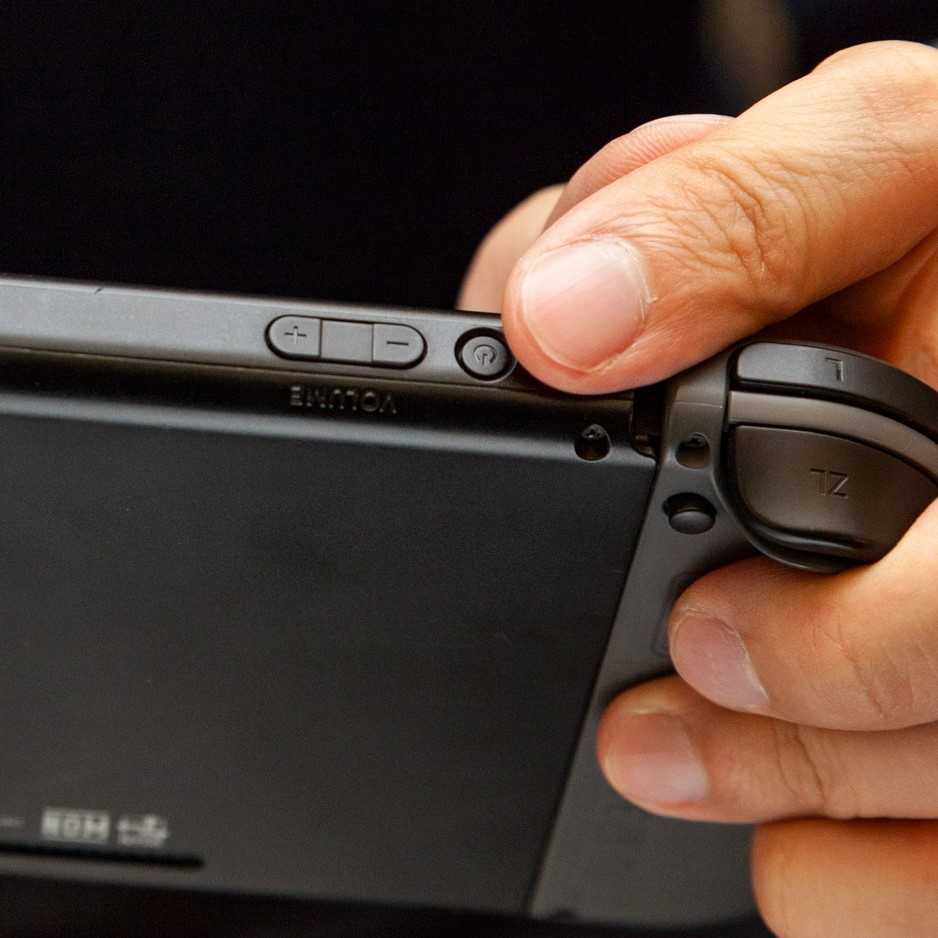
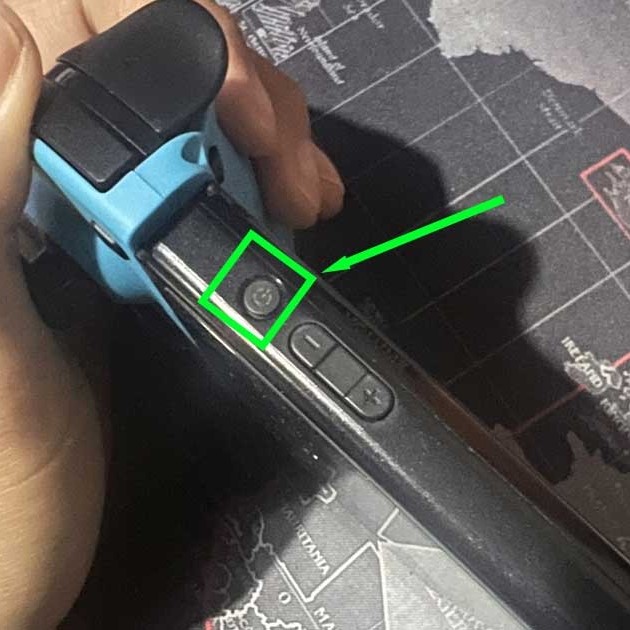
Sometimes, the Switch appears dead but isn’t. The battery may be deeply drained. In rare cases, it drops to zero and won’t restart immediately. Leave it plugged in for at least 30 minutes. Don’t press any buttons. Let it build a small charge. Then hold the power button for 12 seconds. This forces a reboot.
Software bugs can freeze the system. The screen looks off. But the device thinks it’s on. A hard reset often fixes this. Hold the power button and volume down for 20 seconds. Wait. Then turn it back on. This clears temporary errors.
Signs of Battery Failure
Over time, batteries degrade. After hundreds of charge cycles, they lose capacity. Your Switch might die quickly. Or refuse to charge past 1%. This indicates aging hardware. You may need a battery replacement.
Symptoms include sudden shutdowns. The battery percentage jumps from 30% to 10% instantly. Or the console only works when plugged in. These point to internal failure. Third-party repair shops offer replacements. Nintendo also provides service.
Avoid extreme temperatures. Heat kills batteries fast. Never leave your Switch in a hot car. Cold weakens performance. Warm it slowly before charging. Sudden temperature changes cause condensation. This harms electronics.
Screen and Indicator Clues Matter
Look closely at the screen and lights. When you plug in, does anything change? A faint glow? A flicker? This means some power is getting through. The issue might be display-related, not charging.
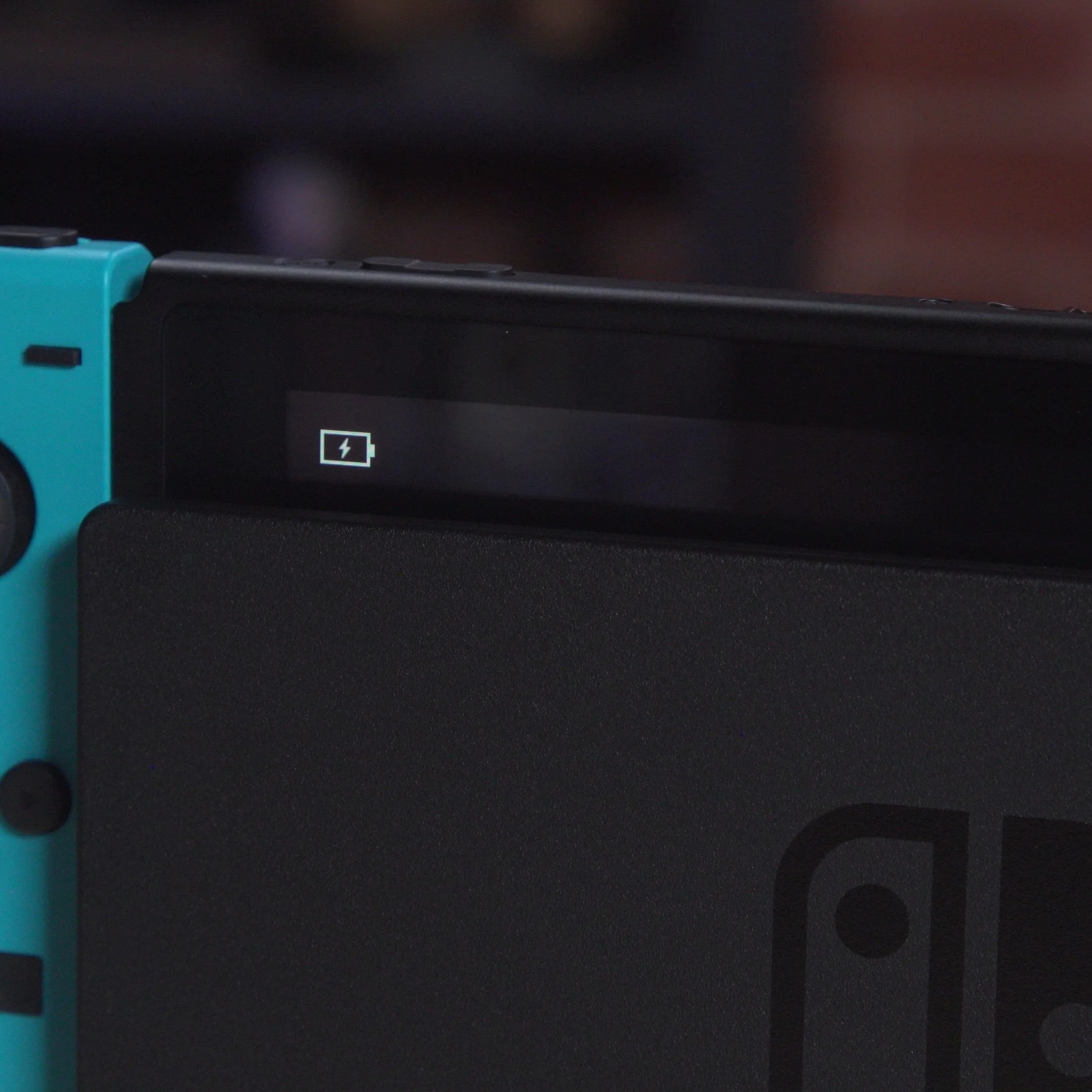
The charging icon should appear in the top-right corner. If it shows a lightning bolt inside the battery, charging is active. A flat line means no power. A red X over the icon signals an error. Each symbol gives a clue.
LED Light Behavior
The dock has an indicator light. Green means normal operation. Red means low power or fault. Blinking red warns of instability. Check connections. Unplug everything. Wait 30 seconds. Reconnect in order: power, dock, console.
If the light stays red, test the outlet. Plug in a lamp or phone charger. If those work, the dock is likely damaged. Try a different power adapter. Use one with the correct output.
Some users report success with power cycling. Unplug the dock for a full minute. This resets internal circuits. It clears minor faults. Then reconnect. Place the Switch gently into the slot. Ensure it clicks into place.
 Hardware Damage Can’t Be Ignored
Physical harm causes many charging issues. Dropped consoles suffer internal cracks. Wires disconnect from the board. Ports loosen. These problems aren’t always visible. You might see no damage but still have failure.
Water or liquid exposure is dangerous. Spills seep into ports. Corrosion builds over time. Even a small amount can short circuits. If your Switch got wet, turn it off immediately. Do not charge it. Let it dry for at least 48 hours. Use silica gel packs to absorb moisture.
Signs of Internal Failure
If none of the basic fixes work, the motherboard may be damaged. This requires professional repair. Symptoms include overheating, strange noises, or burning smells. Stop using the device right away.
Battery swelling is another serious issue. The back panel bulges outward. The screen lifts slightly. This is dangerous. Swollen batteries can leak or catch fire. Do not puncture or press on it. Seek help immediately.
Repairs vary in cost. Nintendo charges for out-of-warranty service. Third-party shops may be cheaper. But quality differs. Choose experienced technicians. Ask about warranty on parts and labor.
 Frequently Asked Questions About Charging Issues
Why does my Switch charge sometimes but not others?
Inconsistent charging often points to a loose connection. The USB-C port may be worn. Cables might not seat properly. Try cleaning the port. Test multiple cables. Also check the power source. Faulty outlets cause irregular power.
Software glitches can mimic hardware problems. Restart the console fully. Update the system software. Old versions sometimes misread battery status. Keeping your Switch updated prevents bugs.
Can I charge my Switch with a phone charger?
Yes, if it’s USB-C and powerful enough. Most modern Android phone chargers work. They must deliver at least 5V/1.5A. Fast-charging models are safe. Avoid very cheap or unknown brands. They may damage the port.
Do not use wireless chargers. The Switch doesn’t support them. Only use wired USB-C connections. Power banks also work. Make sure they have enough capacity. A 10,000mAh bank gives several charges.
How long should I charge a dead Switch?
Leave it plugged in for 30 minutes before trying to turn it on. Deeply drained batteries need time. Do not keep pressing the power button. This drains what little charge remains. Just wait.
After 30 minutes, hold the power button for 12 seconds. This forces a restart. If nothing happens, wait another 30 minutes. Total time may reach one hour for very low batteries.
Does leaving the Switch charging damage the battery?
No, modern lithium-ion batteries stop charging at 100%. The system regulates power. It won’t overcharge. You can safely leave it plugged in overnight.
However, frequent full cycles shorten lifespan. Try not to drain to zero daily. Partial charges are better. Keep it between 20% and 80% when possible. This extends battery health.
What if my Switch charges in the dock but not with a cable?
This usually means the dock’s internal connector works. But the side USB-C port on the console has an issue. Debris might block it. Or the port is damaged. Clean it gently. Try different cables.
If only the dock works, avoid direct charging until repaired. Continued use may worsen the problem. Contact Nintendo support for options.
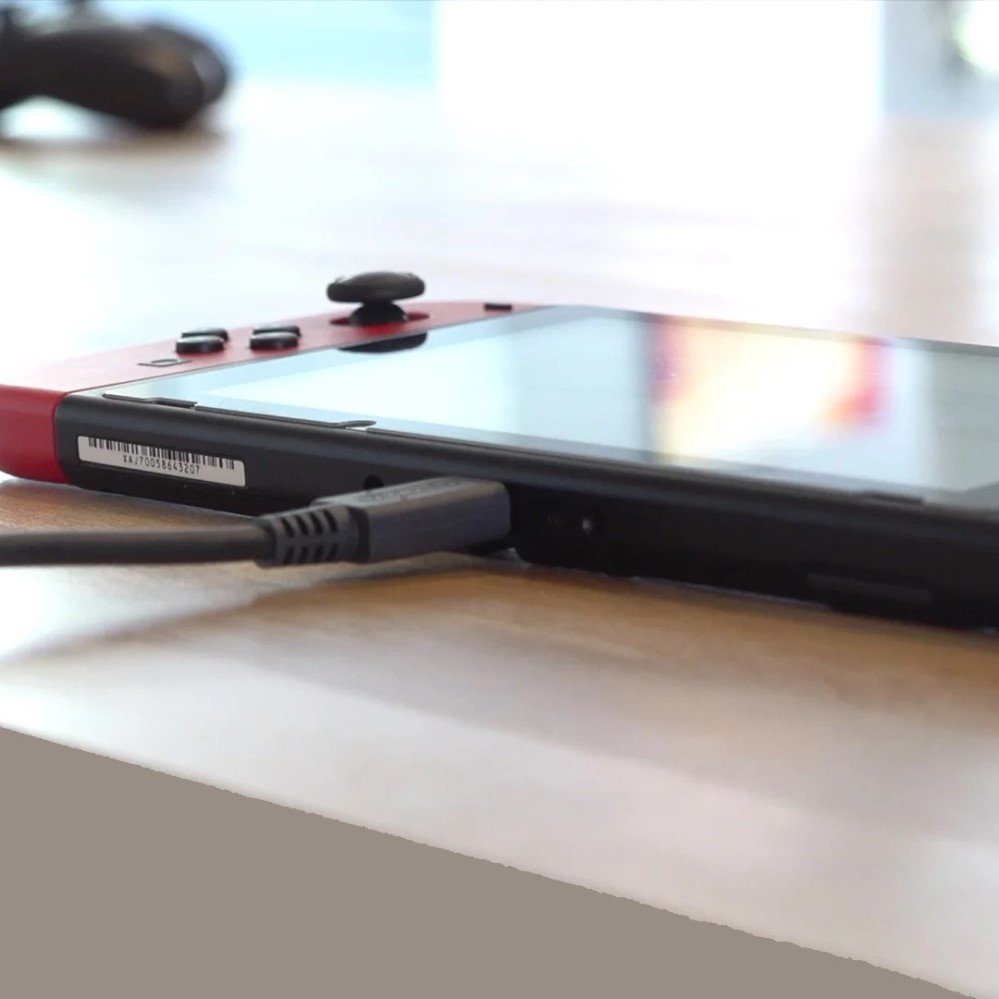 Final Thoughts: Solving Why Won’t My Switch Charge
Dealing with a Switch that won’t charge is stressful. But most issues have clear solutions. Start simple. Check the cable, power source, and port. Try direct charging. Use a known-working adapter. Look for visual clues.
Patience matters. A deeply drained battery needs time. Don’t rush. Let it sit plugged in. Force a restart after waiting. Test each component step by step. Isolate the problem.
Ultimately, knowing why won’t my switch charge empowers you. You save money. You avoid unnecessary repairs and you get back to gaming faster. Whether it’s a dirty port or a failing battery, answers exist. Stay calm. Follow the steps. Your Switch will come back to life.