
Modding a gaming console has long been part of the tech-savvy community. For many players, learning how to mod Nintendo Switch opens up new possibilities. It allows access to homebrew apps, custom themes, backup games, and even emulators. While not officially supported, this process is widely discussed online.
The Nintendo Switch, with its hybrid design, became a prime target for modifications. Its popularity only increased interest in customization. Many users want more than what the standard system offers. They seek freedom in gameplay, storage, and personalization.
However, modding carries risks. It can void your warranty. It may lead to a banned online account. In some cases, it can permanently damage the device. These consequences require careful consideration.
Despite the dangers, people still choose to proceed. Guides are available across forums, YouTube, and Reddit. They walk users through each step. Most focus on specific firmware versions. Timing matters greatly.
Still, understanding the full scope is essential. This includes tools, software, risks, and outcomes. You need reliable hardware and precise execution.
Ultimately, knowing how to mod Nintendo Switch is about informed choice. It’s not just technical skill—it’s awareness, patience, and responsibility.
 Understanding What Modding Means for Your Console
Gaining Access Beyond Factory Limits
When you learn how to mod Nintendo Switch, you’re essentially unlocking hidden features. The factory settings limit what you can do. But modding removes those barriers.
One major benefit is running homebrew software. These are user-made programs. They include tools, games, and utilities. Some improve performance. Others add fun extras.
Another goal is playing backup ROMs. If you own physical games, you might create digital copies. These load faster and save space. However, downloading copyrighted games you don’t own is illegal.
Emulation is also popular. Old consoles like NES, SNES, or PlayStation 1 can run inside the Switch. RetroArch and Lakka support these. Performance varies by game.
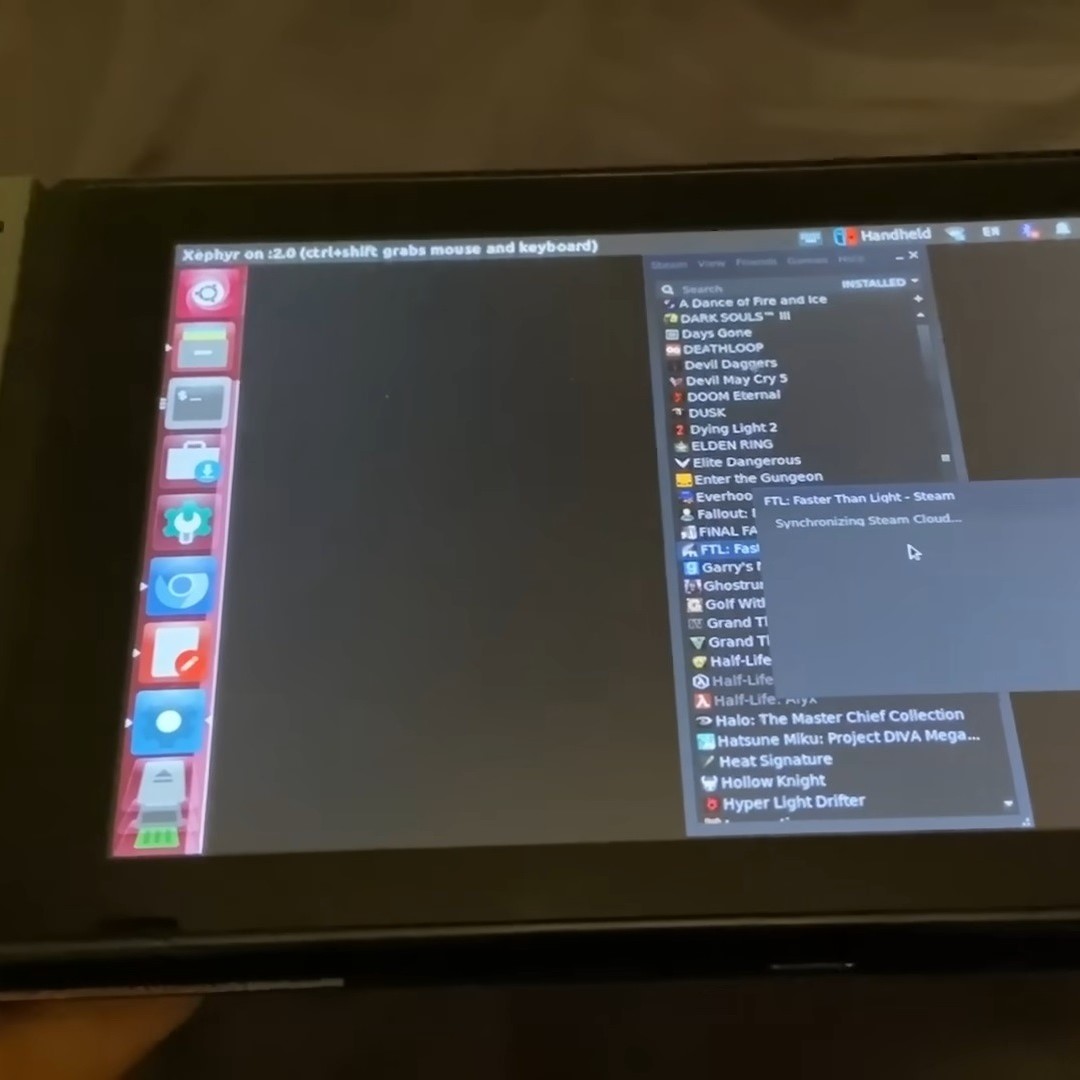
Custom firmware (CFW) enables all this. It replaces parts of the system software. Once installed, it gives control over the OS. You can customize menus, boot screens, and themes.
Some users install payloads. These are temporary tools. They let you run CFW without permanent changes. Others go for fusee-gelee or TegraRcmSmash exploits.
Always check your firmware version first. Older systems are easier to mod. Newer ones often patch known vulnerabilities.
In short, modding transforms your Switch from a closed system into an open platform. It expands its potential beyond retail limits.
Tools and Equipment You Will Need
Preparing Before You Begin
Before you attempt how to mod Nintendo Switch, gather the right tools. Each item plays a role. Missing one could stop progress.
First, get a USB-C cable. Not all cables work. Use a data-capable one. Avoid cheap chargers that only power devices.
Next, find a microSD card. Size depends on needs. 64GB is good. 128GB or higher works better. Format it as FAT32 before use.
Download required software. This includes Hekate, SX OS (if purchased), and Atmosphere. Get them from trusted sources. Avoid sketchy links.
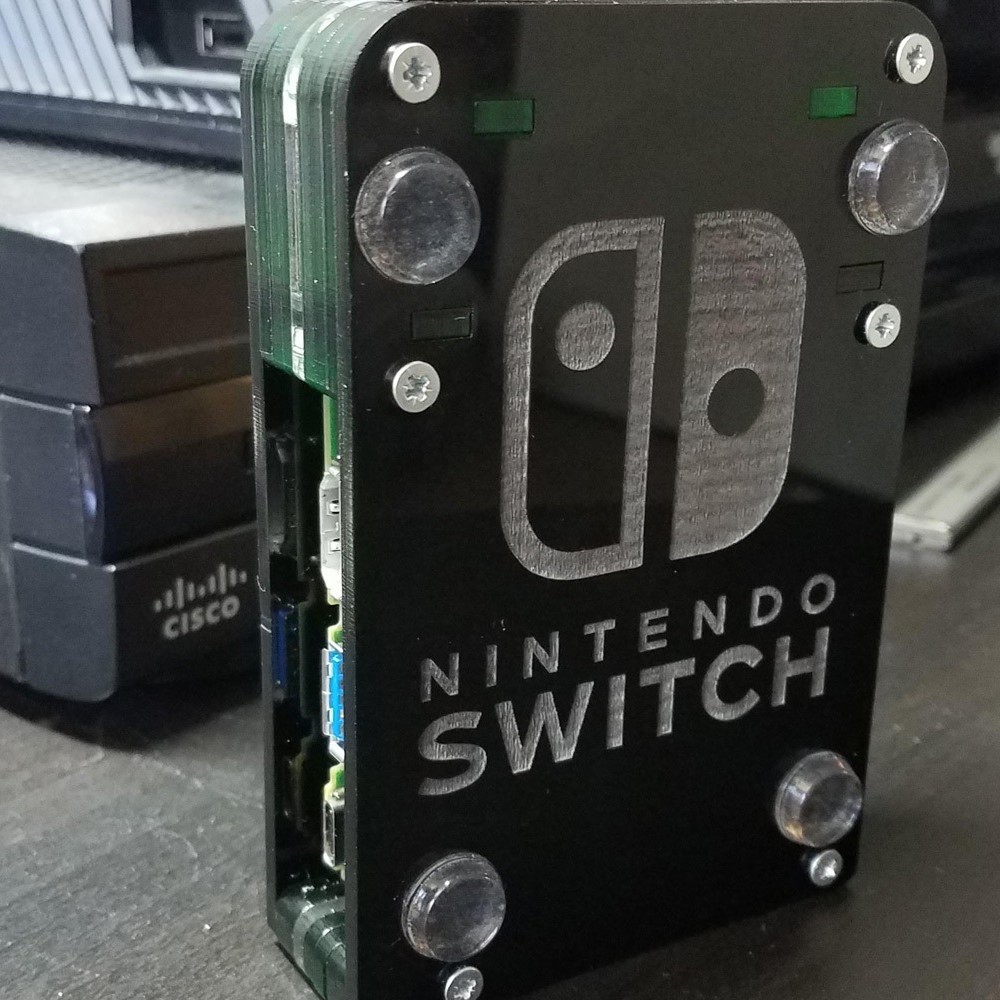
You’ll need a payload injector. The most common is a PC-based tool. Rekado or TegraRcmGUI sends the exploit. Some use modded chargers like the RCM jig.
A computer is essential. Windows, Mac, or Linux all work. Install drivers if needed. Enable USB debugging when prompted.
Use a file manager. Copy folders correctly. Misplaced files cause boot errors. Be precise with naming and structure.
Keep your Switch charged. At least 50% battery prevents shutdowns. Connect to power during critical steps.
Have a clean workspace. Static electricity can damage ports. Work on a flat surface. Keep drinks away.
Back up original files. Some mods allow restoration. Save NAND backups if possible. This helps recover from mistakes.
Lastly, stay patient. Rushing leads to errors. Follow each instruction carefully. Double-check before continuing.
With the right gear, you’re ready to move forward.
 Step-by-Step Process to Start Modding
Following Safe and Reliable Methods
Knowing how to mod Nintendo Switch requires careful action. One mistake can brick your console. Always follow tested methods.
First, identify your firmware version. Go to System Settings > System. Note the number. Only certain versions are vulnerable.
Check if your model is hackable. Most early OLED and non-OLED units work. Later versions may be patched. Research your serial number.
Download the correct exploit. Fusee-gelee works on older firmware. TegraRcmSmash targets newer models. Match it exactly.
Prepare your microSD card. Create a root folder. Add necessary files like “atmosphere” and “bootloader.” Place hekate_ctcaer_x.x.bin inside bootloader.
Copy payload to your PC. Rename it to “payload.bin.” Put it at the root level. Ensure the filename matches.
Connect your Switch to the PC. Use the USB-C cable. Open your payload tool. Load the payload file.
Force your Switch into RCM mode. Press Volume Up and Power. Hold until screen stays black.
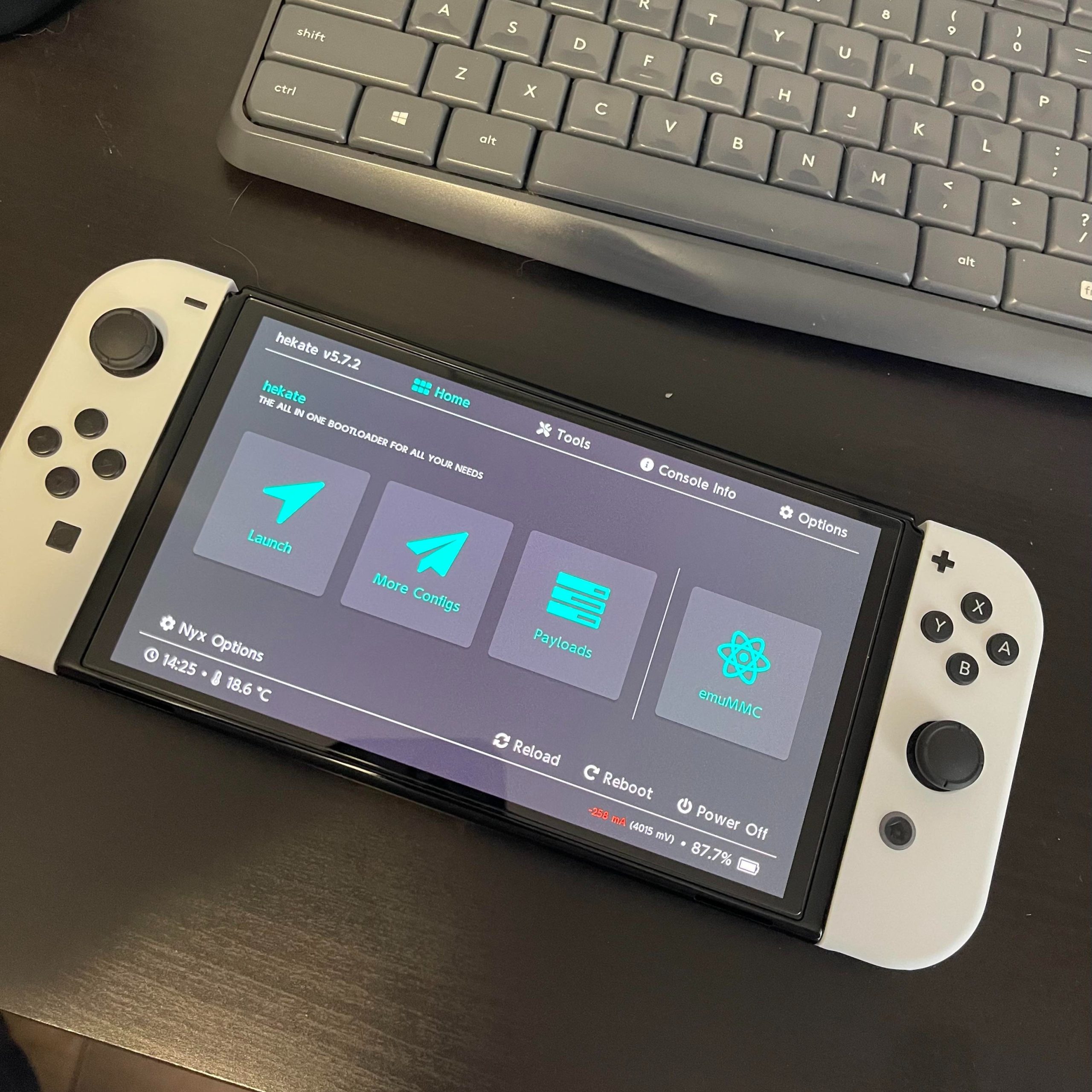
Send the payload via PC. Click “Send RCM.” Wait for confirmation. The Hekate menu should appear.
Select “Launch” to boot into CFW. Test functionality. If successful, you’ve completed the first phase.
Now, install persistent patches. Make sure it boots without a PC. Update config files accordingly.
This process takes time. Repeat if something fails. Success often comes after multiple tries.
Risks and Warnings to Consider First
Why Safety Should Come First
Learning how to mod Nintendo Switch is exciting. Yet, it comes with serious risks. Ignoring them can cost you your console.
One major risk is bricking. This means the device won’t turn on. It becomes unusable. Recovery may not be possible.
Banning is another concern. Nintendo detects unauthorized software. Online accounts get suspended. You lose access to eShop and multiplayer.
Voiding your warranty is guaranteed. Any sign of tampering stops official repairs. Even unmodding may not hide traces.
Data loss can happen. NAND backups help. But if skipped, you lose saved games. Cloud saves may not cover everything.
Software bugs occur. Homebrew apps crash. Custom themes freeze. You may need to reformat the SD card.
Hardware damage is rare but real. Overheating or forced restarts harm circuits. Poor-quality jigs can short the port.
Legal issues exist too. While owning a modded console isn’t illegal, piracy is. Distributing or downloading paid games violates copyright law.
Always use legitimate backups of games you already own. Respect developers’ work.
Online play increases detection risk. Some mods have anti-ban tools. Still, no method is 100% safe.
If you value your online profile, avoid connecting while modded.
Weigh the pros and cons. Ask yourself—what do you gain? Is it worth the danger?
Knowledge reduces risk. Preparation improves safety. Never skip research.
 Benefits of a Successfully Modded Switch
What You Can Do After Modding
Once you know how to mod Nintendo Switch, new doors open. The experience changes dramatically.
Homebrew apps expand functionality. Install DVDPlayer to play DVDs. Use Album Editor to change profile pictures. Launch emulators for retro gaming.
Play backup games from your microSD card. Load them instantly. No need to swap cartridges. Enjoy faster startup times.
Custom themes change the UI. Replace icons and backgrounds. Personalize the look. Stand out from stock consoles.
Overclocking boosts performance. Some games run smoother. Frame rates improve. Load times drop. This applies mainly to handheld mode.
Install productivity tools. Write notes with text editors. Browse web pages using lightweight browsers.
Transfer files easily. Move screenshots and videos without cloud limits. Share them directly via USB.
Update firmware safely. Some mod managers detect safe windows. They warn against risky updates.
Enjoy offline-only freedom. Play anywhere without fear of bans. Use your library privately.
Many users keep their modded console separate. One for online, one for private use. This balances fun and safety.
While not for everyone, modding rewards those who value control. It turns the Switch into a true multi-tool.
Just remember—respect laws and service terms. Don’t harm others’ experiences.
 Frequently Asked Questions About Switch Modding
Clear Answers for New Users
Can I unmod my Switch later? Yes. Remove CFW files. Restore original firmware. Boot normally again.
Will updating break my mod? Usually yes. Updates close security holes. Stay on older firmware if possible.
Do I need to buy SX OS? Not anymore. Free options like Atmosphere exist. Paid ones offer extra features.
Can I still use eShop on a modded console? Risky. It may trigger a ban. Use a secondary account instead.
Is emulation legal? Yes, if you own the original games. Dump your own cartridges.
Does modding slow down the Switch? No. Performance stays the same. Some mods even improve speed.
Can I switch between modded and normal modes? Yes. Use different profiles. Or remove SD card to disable CFW.
These answers help users make safer choices.
 Final Thoughts
Deciding how to mod Nintendo Switch is a big step. It offers freedom, creativity, and deeper control. Yet, it demands caution, knowledge, and responsibility.
For hobbyists and tinkerers, it’s a rewarding journey. You learn about hardware, software, and system logic. Skills grow with every success and failure.
But it’s not for casual users. If you rely on online play or customer support, think twice. The risks outweigh the benefits.
Always back up your data. Use trusted guides. Stay updated on community news.
When done right, modding unlocks the full potential of your console. It proves that innovation doesn’t stop at retail. With care, respect, and patience, you can explore a whole new side of gaming.