
If you’re searching for how to delete a Nintendo Switch account, you’re not alone. Many users face this question when switching devices or ending their gaming journey. The process is not as simple as pressing one button. It requires careful steps and understanding of Nintendo’s policies.
First, it’s important to know that deleting a Nintendo account affects more than just your console. Your digital purchases, save data, and linked subscriptions may be impacted. You must consider these consequences before proceeding. Always back up essential information first.
Second, Nintendo accounts are tied to online services like the eShop and Nintendo Switch Online. Removing an account means losing access to those features permanently. This includes any unused balance or downloaded games. Once deleted, recovery is impossible.
Moreover, each Nintendo Switch console can hold multiple user profiles. But only one can be the primary account with full privileges. If you plan to sell or give away your device, removing your account becomes necessary. This protects your personal details and purchase history.
Another key point is that deletion cannot happen directly from the console. You must go through Nintendo’s official website. This adds a layer of security but also complexity. Users unfamiliar with web portals might find it confusing at first.
Also, age restrictions apply. Accounts linked to child profiles require parental consent for removal. The parent must log in through the Family Group settings. Without approval, the request will fail.
Finally, after deletion, all associated data gets erased over time. This includes friend lists, game progress stored in the cloud, and email links. There is no undo option. Therefore, make sure every decision is intentional.
Understanding how to delete a Nintendo Switch account helps avoid mistakes. It ensures you take control of your digital footprint. Whether due to privacy concerns or device changes, preparation is vital.
 Understanding the Difference Between User and Nintendo Account
What Is a Console User Profile?
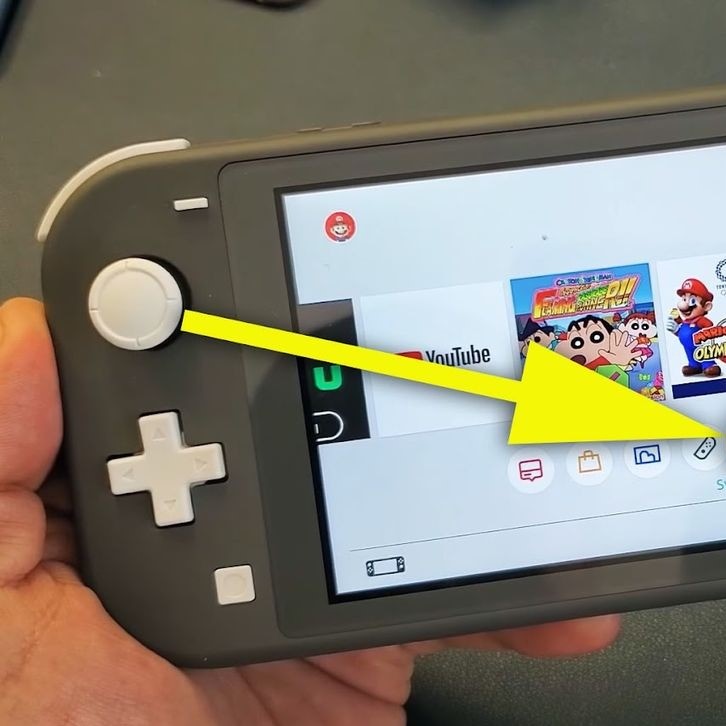
A user profile on the Nintendo Switch is created directly on the device. It allows you to play games, customize icons, and track local achievements. Each profile stores basic preferences like nickname and avatar.
These profiles do not automatically connect to online services. To access the eShop or online multiplayer, you must link a Nintendo Account. Without this link, the profile remains offline-only.
You can create multiple user profiles on one console. Families often use this for different members. Kids can have separate spaces without mixing data.
Deleting a user profile is easy. Go to System Settings, then Users, and select Delete User. This removes only local data. It does not touch your Nintendo Account online.
However, if the profile was linked, some cloud saves may still exist. These remain until the main account is removed. Always check before assuming everything is gone.
This distinction matters because many confuse local users with full accounts. Knowing the difference prevents accidental deletions. It also clarifies what happens during resets.
In short, user profiles are device-specific. They live on the Switch itself. Their removal does not affect other devices or online identity.
What Defines a Nintendo Account?
A Nintendo Account is an online identity used across platforms. It connects your activity on the Switch, mobile apps, and the web. This includes purchases, friend networks, and cloud saves.
When you link a user profile to a Nintendo Account, it gains access to online features. You can buy games, join voice chats, and participate in events. All digital content ties back to this single account.
This account uses an email address and password. It supports two-factor authentication for added safety. Recovery options help if you forget login details.
Unlike user profiles, the Nintendo Account exists independently. You can access it from any device using your credentials. Its data follows you wherever you log in.
Deleting this account ends all connections permanently. Every linked service disconnects at once. No alternative paths restore functionality afterward.
Therefore, knowing how to delete a Nintendo Switch account involves managing this central profile. Not just the local one. Confusing the two leads to frustration.
Always verify which level you want to remove. Local cleanup versus full deletion are very different actions. Take time to understand both.
 Steps to Begin the Deletion Process
Accessing the Official Nintendo Website
The first step in learning how to delete a Nintendo Switch account is visiting the correct site. Open a web browser and go to account.nintendo.com. This is the only place where deletion requests are processed.
Log in using the email and password for the account you wish to remove. Make sure it’s the right one. Logging into a child account or alternate profile won’t work. Only the primary holder can initiate deletion.
After logging in, navigate to the Privacy Settings section. Look for the option labeled “Close Nintendo Account.” Clicking this opens the confirmation page. Read every warning carefully.
Nintendo displays a checklist of consequences. These include loss of funds, game licenses, and online access. Acknowledge each point before continuing. The system requires active acceptance.
Next, answer security questions. These confirm your identity. Typical prompts ask about recent logins or linked consoles. Incorrect answers stop the process immediately.
If two-factor authentication is enabled, enter the code sent to your phone or email. This extra step prevents unauthorized deletions. Keep your secondary device nearby.
Once verified, you’ll see a final warning screen. It reiterates that the action is irreversible. Select “Proceed” only if fully committed. Hesitation means you should pause and reconsider.
After submission, Nintendo sends a confirmation email. Check your inbox, including spam folders. Click the link inside to complete the request. Failure to do so cancels the process.
This entire procedure takes place online. No console interaction is needed beyond initial setup. Always use a secure network to protect your data.
Preparing Before Confirmation
Before confirming deletion, ensure all valuable data is saved elsewhere. Download any photos from your album. Export important messages or notes manually. Cloud storage helps preserve memories.
Review your purchase history. Note down games you might want to repurchase later. Some titles may not be available forever. Keeping a list avoids future disappointment.
Unlink third-party services like PayPal or credit cards. While Nintendo removes billing info, it’s safer to disconnect early. Prevents potential misuse if credentials leak.
Cancel recurring subscriptions such as Nintendo Switch Online. Wait for the current cycle to end before deletion. Otherwise, you lose remaining days without refund.
Sign out of all devices. Use the Device Management page to remove old consoles or phones. This secures your account during transition.
Inform friends or family who share content. Shared digital games become inaccessible after deletion. Give them time to adjust or transfer ownership if possible.
Back up save data locally if allowed. Some games support USB backup. Others rely solely on cloud saves, which vanish upon account closure.
Double-check every setting. Ensure no automatic renewals remain active. Confirm that all warnings are understood. Then proceed with confidence.
Preparation reduces regret. It turns a risky move into a controlled decision. Patience pays off in digital safety.
Consequences of Deleting Your Account
Loss of Digital Content and Purchases
One major impact of choosing how to delete a Nintendo Switch account is losing all digital purchases. Any games, DLC, or in-game currency bought through the eShop disappears permanently.
You cannot transfer licenses to another account. Unlike physical cartridges, digital content has no resale value. Once deleted, it’s gone forever.
Subscriptions like Nintendo Switch Online end immediately. Remaining days do not carry over. Refunds are not provided under any circumstances.
Cloud save data gets erased after a grace period. Some files may linger briefly. However, they become unrecoverable soon after.
Free downloadable content also vanishes. Themes, demos, or bonus items tied to your ID disappear. Future access requires redownloading under a new account.
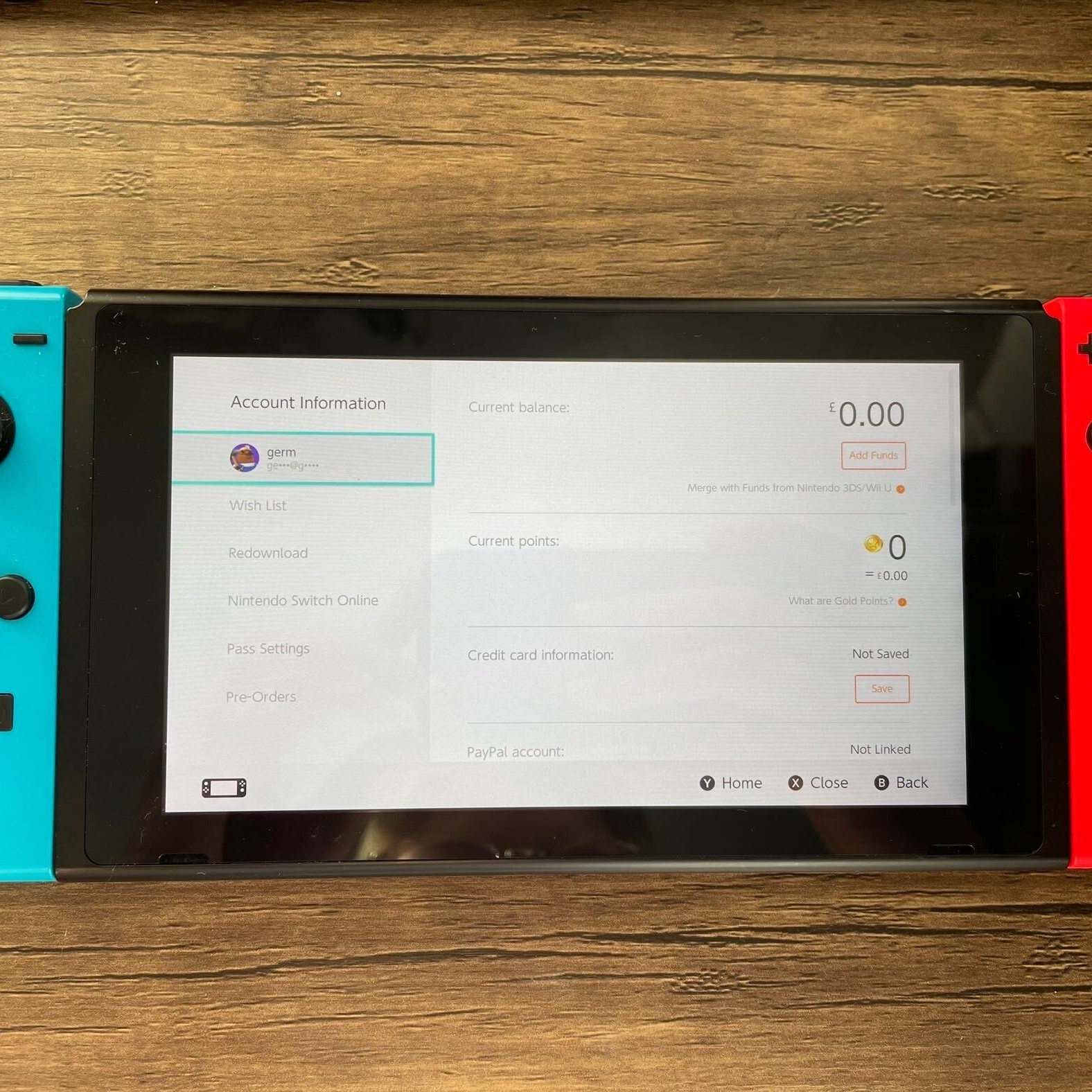
Even gift cards with remaining balances become void. Unused codes lose their value entirely. Never delete an account with credit unless absolutely necessary.
Game progress resets completely. Leaderboard rankings, achievements, and trophies reset. Starting over means rebuilding from zero.
This outcome affects long-term players most. Those with years of investment feel the loss deeply. Consider creating a new account instead of deleting.
Preserving history matters. If sentimentality plays a role, keep the old account inactive. Simply stop using it rather than erasing it.
Impact on Linked Services and Devices
Deleting your Nintendo Account breaks connections across all platforms. Mobile apps like Mario Kart Tour or Fire Emblem Heroes lose login access. Progress sync stops instantly.
Other consoles previously linked can no longer access online features. Even if the same user profile exists, it lacks authentication. Re-linking requires a new account.
Family group memberships dissolve automatically. Child accounts lose shared benefits. Parents must recreate groups under a different master ID.
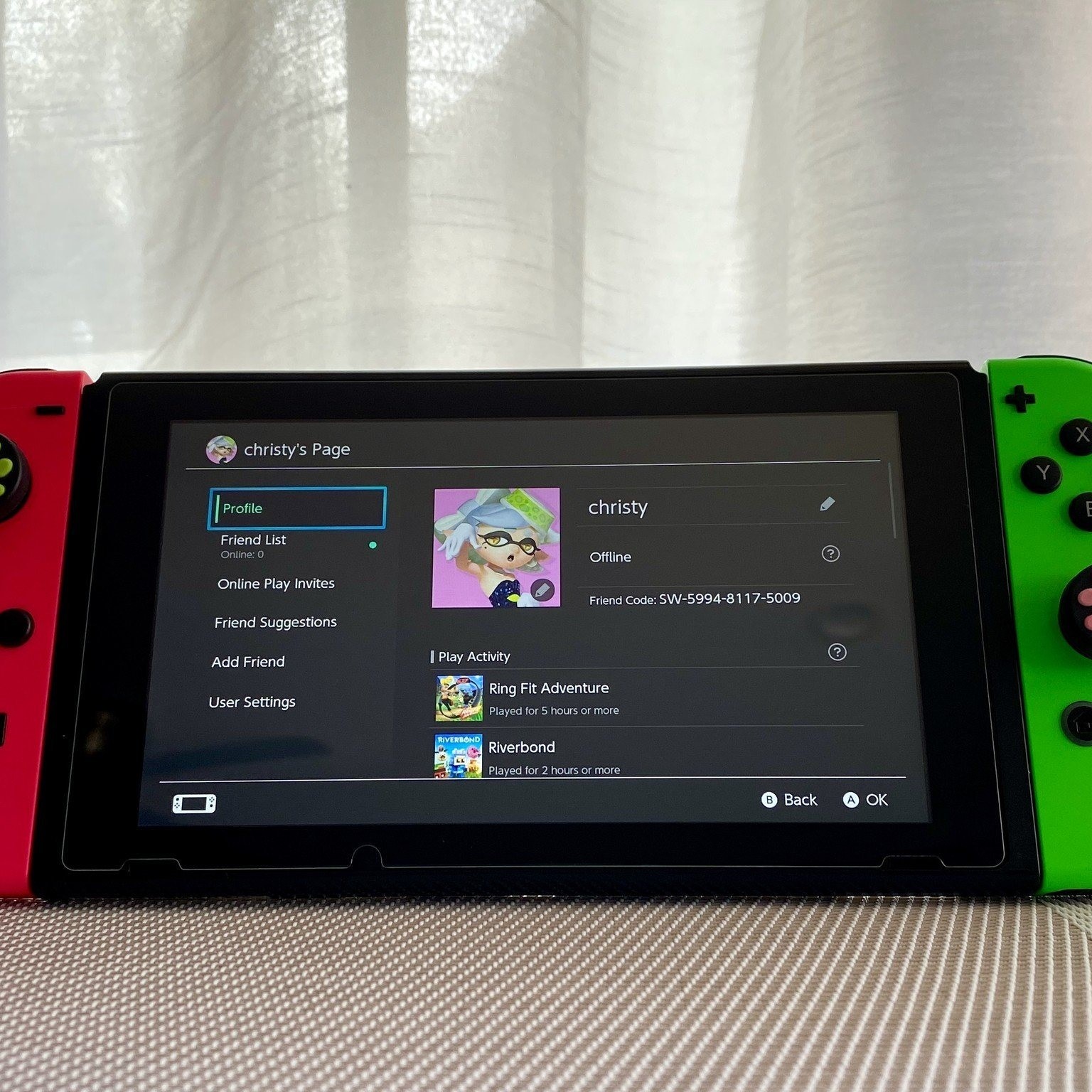
Friend lists vanish globally. Messages, invites, and multiplayer sessions end. Reconnecting requires manual re-adding under new identities.
Email addresses tied to the account become reusable. After deletion, you can register a new Nintendo Account with the same email. Wait times may apply.
Third-party logins using Nintendo (like certain websites) stop working. Update those services with new credentials to maintain access.
Hardware like amiibo may still function. But their data syncing relies on cloud systems. Without an account, updates and backups fail.
Overall, the ripple effect extends far beyond the console. Every connected element suffers disruption. Plan accordingly.
 Alternatives to Full Deletion
Deactivating Instead of Deleting
If you’re unsure about permanent removal, consider deactivation instead. This option keeps your account intact but logs it out of devices. It offers similar privacy benefits without finality.
Go to Nintendo’s website and find Device Management. Select the console you want to remove. Click Deactivate. This severs the link between hardware and account.
After deactivation, the console loses access to digital content. Games require re-downloading under a new account. Save data may persist locally.
This method works well when selling or resetting your Switch. It protects your identity and purchases. Yet allows future recovery if needed.
You retain ownership of all games and subscriptions. Reactivating on a new device restores access. Just log in again using your credentials.
No data loss occurs during deactivation. Cloud saves remain safe. Friend lists stay preserved. Everything waits for your return.
It’s ideal for temporary breaks. Travel, repairs, or troubleshooting benefit from this pause. You avoid the risk of irreversible deletion.
Always choose deactivation if you plan to reuse the account. It gives flexibility. Only delete when you’re certain nothing will be missed.
Creating a New Account Instead
Another alternative is setting up a fresh Nintendo Account. Keep the old one dormant while starting anew. This preserves history while allowing change.
Use a different email address to register. Follow standard setup steps. Link it to your console and begin fresh.
New accounts let you restart friend networks. Build new communities without past baggage. Customize avatars and settings freely.
Digital purchases stay locked under the original account. But you can still access them by switching back when needed.
Some users do this for region switching. Different countries offer unique eShop deals. Multiple accounts allow broader access.
Just remember, Nintendo limits one primary account per console. Secondary ones function with reduced privileges. Understand limitations before committing.
This path avoids regret. You maintain legacy data. At the same time, enjoy a clean start elsewhere.
For most people, creating a new account is smarter than deletion. It offers freedom without sacrifice.
 Frequently Asked Questions About Account Removal
Can I Recover My Account After Deletion?
No, recovery is not possible. Once you confirm deletion, Nintendo permanently erases all data. No customer service team can restore it.
The system treats deletion as final. No backups exist for individual users. Assume everything is lost forever.
Wait periods or cooling-off phases do not apply. The moment you click confirm, the countdown begins. Act only when fully ready.
If you changed your mind quickly, contact support immediately. They might intervene if processing hasn’t started. Success is rare but worth trying.
Always think twice before taking this step. Regret comes too late. Explore alternatives like deactivation first.
Will My Games Still Work After Deletion?
No, digital games require an active account. After deletion, you lose license verification. The console blocks access to all downloaded titles.
Physical cartridges still function. Game cards do not depend on account status. Insert them as usual to play offline.
However, online features for cartridge games stop working. Updates, patches, and multiplayer modes need account authentication. These become unavailable.
Save files may remain on the console. But cloud sync ends permanently. Future transfers or backups fail without an account.
Repurchasing under a new ID restores access. But you pay again. No exceptions exist for previous ownership.
Consider this before deletion. Weigh cost against convenience. Sometimes keeping the old account is wiser.
Do I Need to Delete Data from the Console First?
Yes, clearing local data helps protect privacy. While account deletion removes online links, local saves may stay behind.
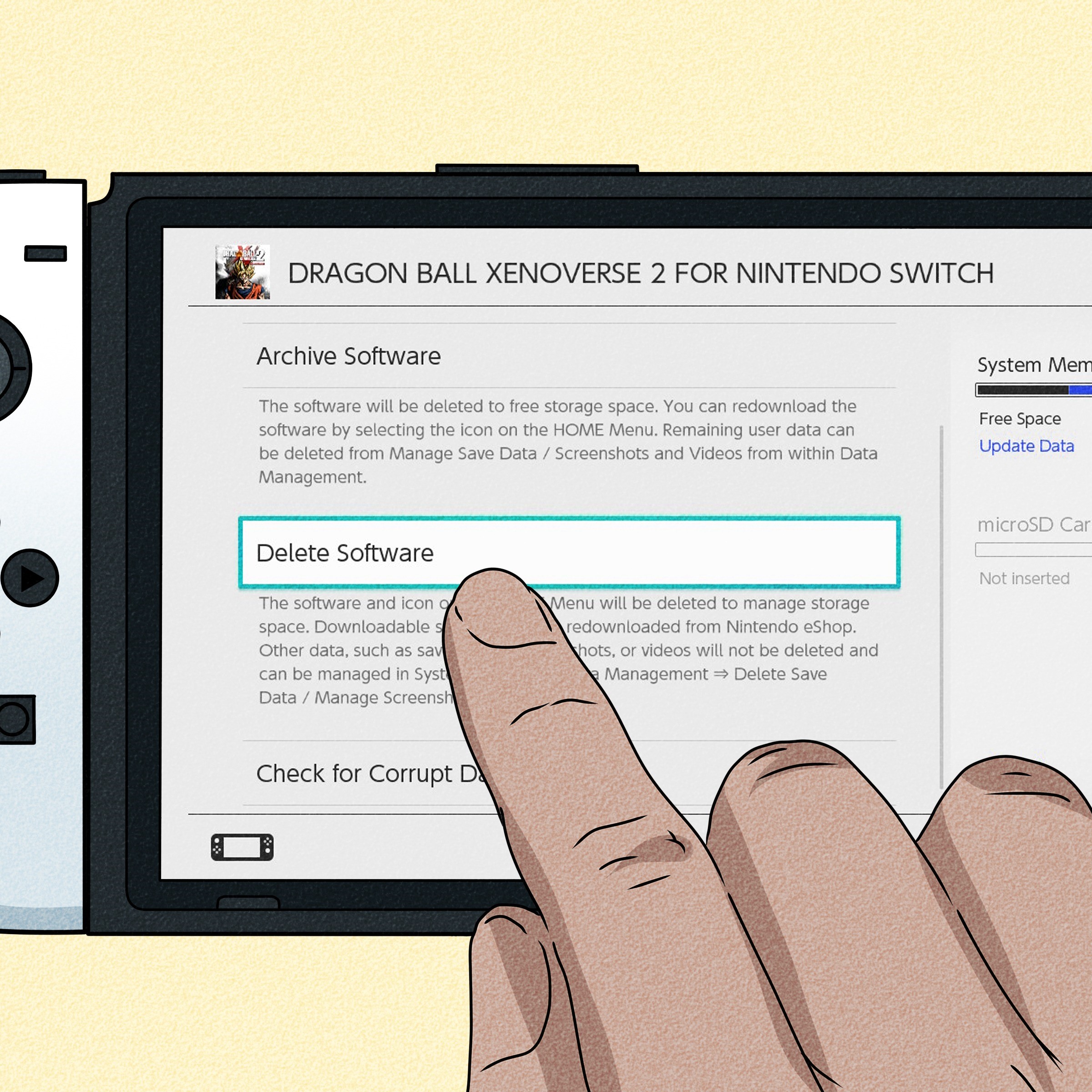
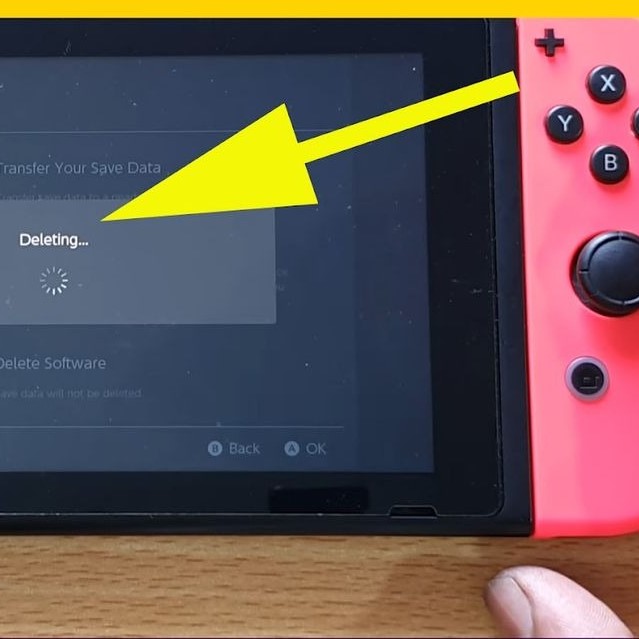
Go to System Settings > Data Management. Choose Delete Save Data. Pick the user profile linked to your account.
Remove screenshots, videos, and system updates. These files occupy space and contain metadata. Clearing them ensures a clean handoff.
Perform a factory reset if giving away the console. This wipes all users and settings. Return the device to its original state.
After resetting, deactivate the console online. This prevents future access issues. Both steps together ensure full protection.
Never skip local cleanup. Deleted accounts don’t auto-wipe hardware. Manual effort is required.
Can I Transfer My Balance to Another Account?
No, fund transfers are not supported. Nintendo does not allow moving balances between accounts.
Unused gift card credits or eShop funds disappear upon deletion. No refunds or migrations occur.
Spend remaining money before starting the process. Buy games, subscriptions, or themes. Use every cent wisely.
Contact support only if you have a special circumstance. Rare cases may receive attention. Most requests get denied.
Always check your balance beforehand. Avoid losing money accidentally. Plan spending ahead of time.
 Final Thoughts on Managing Your Nintendo Identity
Deciding how to delete a Nintendo Switch account is a serious choice. It impacts gaming history, purchases, and social connections. Never rush into it without research.
Weigh alternatives first. Deactivation or new accounts often serve better. They provide privacy without total loss.
Understand every consequence. Digital content vanishes. Linked services break. Recovery is impossible.
Prepare thoroughly. Back up data. Cancel subscriptions. Sign out everywhere. Then proceed with clarity.
Ultimately, responsible management protects your experience. Knowledge empowers better decisions. Respect the permanence of deletion.
In conclusion, mastering how to delete a Nintendo Switch account means balancing caution with intent. Protect your digital life. Make informed moves.